
Secure Your Remote Workforce
Monitor activity, capture screenshots, and manage incidents while respecting employee privacy — giving your security team the visibility they need without overstepping boundaries.
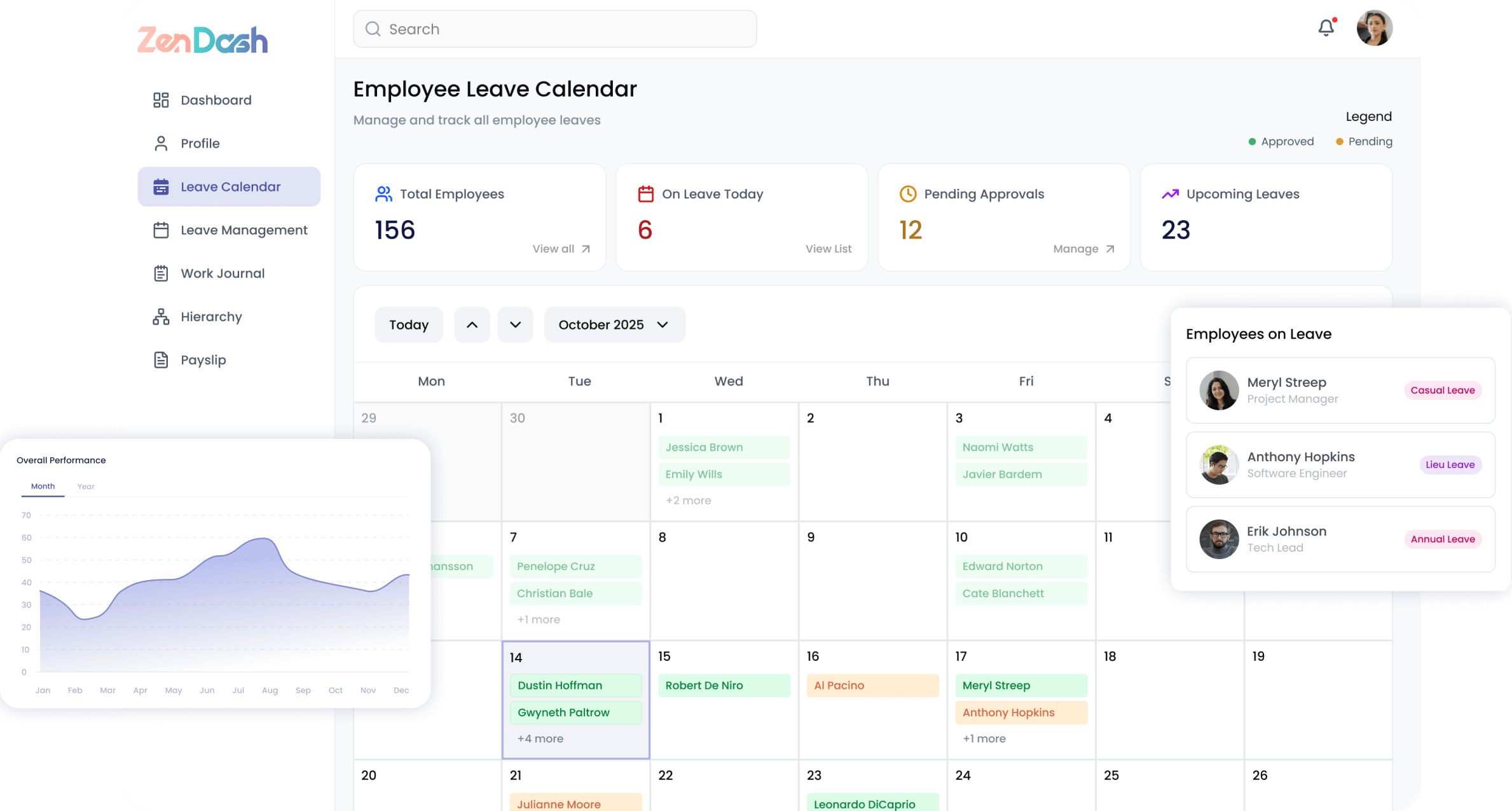
Activity Monitoring
Track employee activity with intelligent screenshot capture and detailed usage analytics to maintain productivity and security compliance.
- Automated screenshot capture with configurable timestamps
- App usage tracking organized by category
- Activity timeline with advanced filtering options
- Status distribution and trend analysis
- Multi-screen support for comprehensive monitoring
Incident Management
Detect, investigate, and resolve security incidents with a structured workflow that keeps your organization protected.
- Security alerts organized by severity level
- Alert categorization and filtering for fast triage
- Investigation notes and audit trail for each incident
- Escalation workflows with configurable rules
- Related alert grouping for pattern detection
Device Management
Onboard, track, and manage every device in your fleet with real-time health monitoring and team-level dashboards.
- Streamlined device registration and onboarding
- Trust and health status monitoring per device
- Team monitoring dashboard for managers
- Device fleet overview with filtering and search
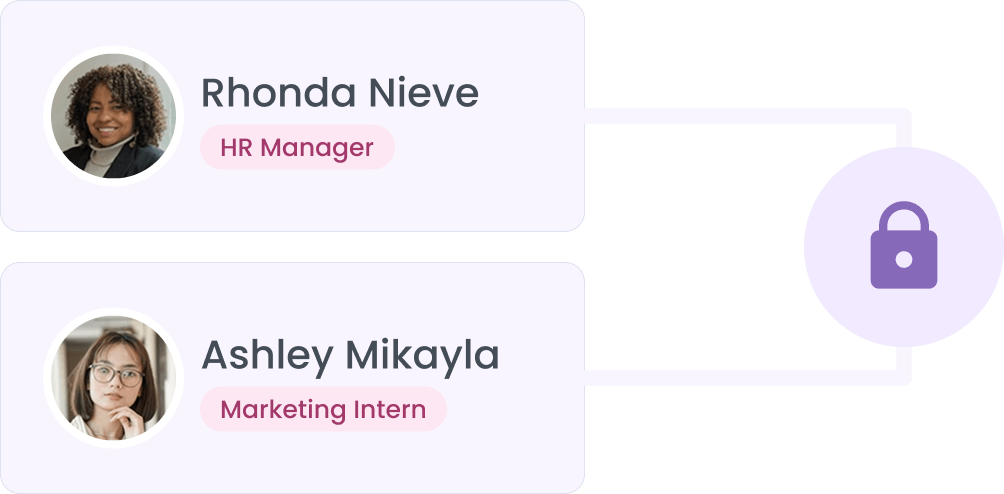
Security & Access Control
Enforce robust access policies with IP restrictions, multi-factor authentication, and configurable monitoring rules.
- IP groups with trusted ranges and geo-restrictions
- IP-based access restrictions for sensitive resources
- Multi-factor authentication via SMS and authenticator apps
- Alert configuration and custom monitoring rules
- Data retention policies with automated enforcement
Built for Every Role
Whether you're an employee, manager, or HR professional, ZenDash adapts to the way you work.
Employees
- Register and manage personal devices
- View own activity summaries and reports
- Understand monitoring policies and scope
- Self-service device setup and configuration
Managers
- View team activity dashboards
- Review screenshot galleries by employee
- Track app usage trends across the team
- Monitor team status distribution
Security Admins
- Manage security alerts and incidents
- Configure monitoring rules and data retention
- Set up IP restrictions and access controls
- Investigate and escalate alerts